Designer and white-glove receiving
Receiving software for white-glove and designer receivers.
Your designers judge you on two things: did it arrive safely, and how fast did they hear about it. CartonLedger puts photos on every piece at the dock and shows them in each designer's own portal.
14 days of Growth free · No card · Then the Free plan, never a locked screen
Received by PO and sidemark, the way designers ship.
Every order holds the vendor, PO, BOL or PRO number, the designer (your customer) and the sidemark. Show, hide or require each field. Call your customers "designers" if that's what you call them.
- Sidemark and PO on every order
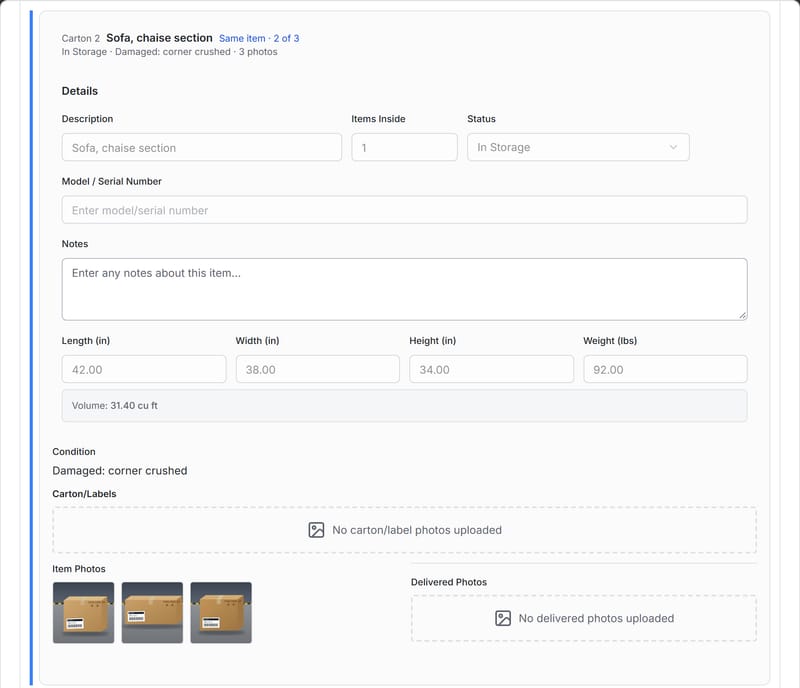
- Multi-carton pieces grouped as "carton 2 of 3", so a sofa in three boxes stays one piece
- Your own condition list, including "Needs minor repair"
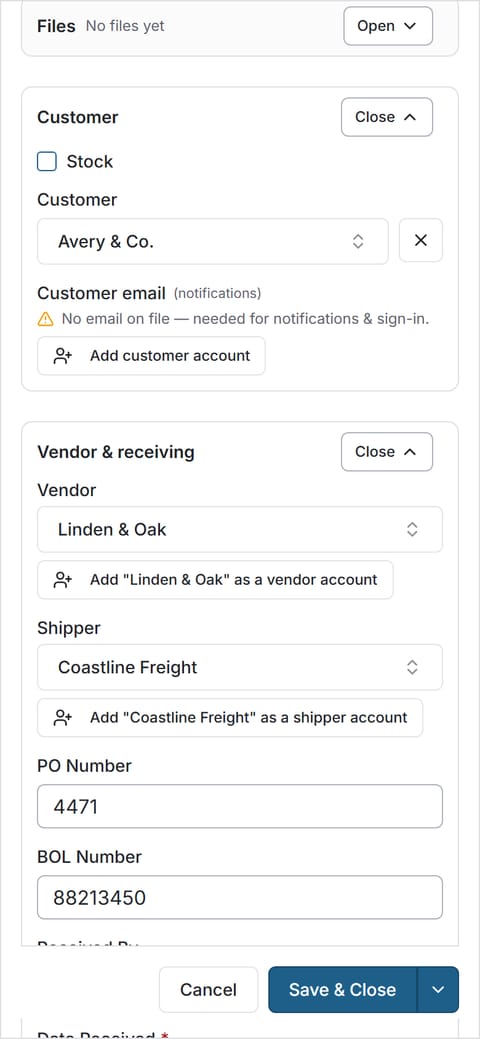
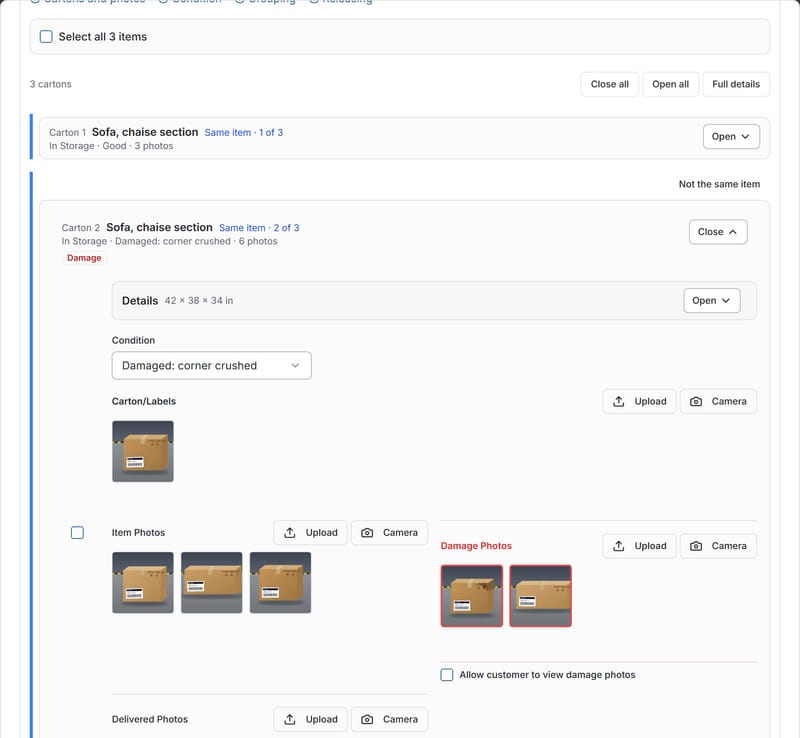
Photos on every piece, the day it lands.
Set a minimum number of photos per carton and the crew can't skip it. Damage is flagged on the spot and waits in the needs-attention list until someone reviews it. When you report it, the email goes to the designer from your own address.
That's the answer to the two questions designers ask when they vet a receiver: do you photograph what you receive, and how do you tell me about damage? More on dock photos.
A portal for every designer.
Each designer logs in and sees their own orders, status and the photos of each carton as it is received. They can comment, request a delivery and share an order link with their client, if you allow it. Logins are unlimited on paid plans. See the customer portal.
Questions designer receivers ask
Can I call my customers "designers"?
Yes. Rename Customer, Order and Carton to the words your dock uses.
Can a designer forward photos to their client?
If you allow share links, a designer can share an order link with their client or installer. You can revoke it.
Do you track storage days?
Yes, with the storage-deadline module: free storage days, reminders, and a flag when the deadline is close. Designers can see storage days in the portal if you turn that on.
Do you invoice designers for storage?
No. CartonLedger records what came in, its condition and its status. It doesn't invoice.
Give your designers proof they can forward.
14 days of Growth free · No card · Then the Free plan, never a locked screen